
Yes, phone hacking can happen remotely, even while your phone is locked in your pocket. An attacker may not need to hold it, guess your screen code, or bypass its lock screen.
A common starting point for phone hacking is a deceptive message, a malicious app, or a stolen account password. Rare attacks requiring no interaction exist, but common compromises are usually easier to spot and stop.
Key Takeaways
- Phone hacking can happen without physical access through phishing, malicious apps, stolen passwords, SIM swapping, or vulnerable software.
- Phishing and account takeover are more common than sophisticated zero-click attacks, which usually target high-value individuals.
- Warning signs such as unknown apps, unusual account activity, unexpected verification texts, overheating, or sudden battery drain should be investigated together rather than treated as proof on their own.
- If you suspect compromise, use a trusted device to secure your primary email and other accounts, remove suspicious access, contact your carrier or financial institution, and preserve evidence before resetting the phone.
- Software updates, unique passwords, strong account recovery methods, cautious app permissions, and reputable antivirus software can make remote attacks harder, but no single security measure is complete.
Can phone hacking happen without physical access?
Yes. Phone hacking can happen remotely when an attacker tricks you into giving access, steals an account session, or exploits vulnerable software. The method matters because the best response differs for each risk.
A fake delivery text may lead to a credential-stealing page. A copied social-media profile may send a malicious app link. A data breach can expose reused passwords, while brute-force attacks may target weak ones. Access to email can enable password resets and contribute to identity theft.

Physical possession isn’t required for phone hacking. Attackers often look for an unlocked door, such as a reused password, an unpatched app, an exposed verification code, or a weak mobile-carrier account.
Legitimate ethical hackers and mobile forensics professionals work with documented consent and a written scope. Ads for a “Professional Hacker For Hire” or broad “Hacking Services” may appear on the dark web. They can lead to advance-fee fraud, credential theft, or illegal surveillance. Do not follow posts that invite you to “Hire Professional Hackers” to enter another person’s phone.
A promise of invisible access to any phone usually signals fraud, spyware, malware, or illegal surveillance.
The common ways a phone gets compromised remotely
Phone hacking most often involves phishing, unsafe downloads, stolen accounts, or exposed connections.
Phishing and malicious apps are the everyday threats
Phishing attacks remain the most common route. A message might imitate your bank, delivery company, employer, or mobile carrier. AI-generated writing, cloned voices, personal details, and cloned branding now make these phishing attacks seem legitimate.
Don’t trust a message because it contains personal details. Instead, open the official app yourself or type the known website address into your browser. Never use a link in an unexpected text to sign in, pay a fee, or “verify” a device.
Malicious apps are another frequent problem, posing as photo editors, loan apps, fake utilities, games, tracking tools, or security updates. Some malicious apps install malware, including spyware. Reputable antivirus software may detect some known threats.
Before installing an app, check the developer, reviews, download history, and app permissions against its stated purpose. A flashlight app has no reason to request accessibility access, call logs, microphone control, and location. Antivirus software does not replace cautious downloads, permission review, or account security.
Account takeover and SIM swapping can bypass your phone lock
A data breach can expose an email password, creating a master key even when your phone’s lock screen remains locked. Cybercriminals may use brute-force attacks against reused passwords, trade credentials on the dark web, then request resets and hide alerts. Check your email forwarding rules, recovery addresses, logged-in devices, and recent security activity if anything feels wrong.
SIM swapping is different. A criminal uses stolen personal information or social engineering to persuade a carrier to move your number to another SIM or eSIM. They can then receive text-message verification codes meant for you.
Set a carrier account PIN and ask about port-out protection. Where possible, use an authenticator app, passkeys, or a hardware security key instead of SMS-based two-factor authentication.
Public Wi-Fi, Bluetooth, and USB charging need sensible caution
Public Wi-Fi is less dangerous when websites use HTTPS, yet an attacker on the same network may still target weak connections or fake login portals. Turn off automatic joining and Bluetooth on public Wi-Fi when unnecessary, reducing exposure to Bluetooth hacking.
A virtual private network encrypts the connection between your phone and the VPN provider on untrusted networks. It does not stop phishing, malware, or password theft.
Public USB charging attacks, often called juice jacking, are less common than phishing. Still, a compromised cable or accessory can request data access. Use your own wall charger, a power-only adapter, or a charge-only cable when you need to recharge in public.
Signs of a hacked phone, and what they may mean
No single symptom proves spyware or malware. Battery drain, heat, and slow performance can also follow software updates, poor reception, or an aging battery. However, several unusual changes at once deserve attention.
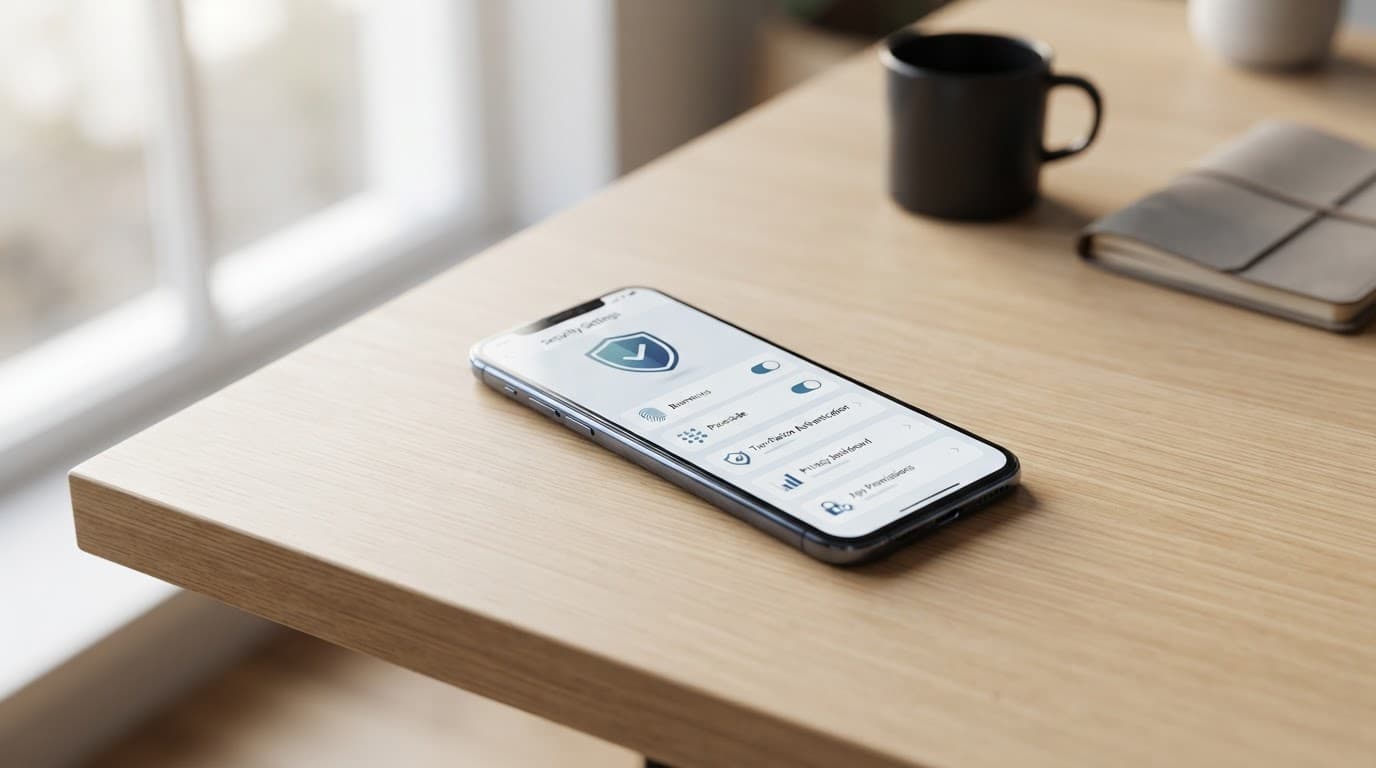
Use this quick check to separate ordinary glitches from warning signs:
| What you notice | What to check |
|---|---|
| Sudden battery drain or overheating while idle | Battery usage by app and recently installed software |
| Unknown apps, device-admin access, or management profiles | Check for malicious apps, then review accessibility settings, VPNs, device management, and app permissions |
| A lost mobile signal or unexpected verification texts | Your carrier account, number port status, and account recovery activity |
| Strange pop-ups, browser redirects, or messages you did not send | Browser downloads, app permissions, and active account sessions |
A scan with reputable antivirus software can identify some known threats. It cannot prove a phone is clean or detect every form of surveillance.
Stalkerware deserves extra care. This form of monitoring spyware can enable location tracking, read messages, or collect calls and photos. Stalkerware may be installed or concealed by an abusive partner or someone with prior physical access. On Android, look for unfamiliar apps with accessibility or device-admin privileges. On iPhone, review unknown configuration profiles and device management entries.
If you think another person is monitoring you through location tracking, use a safer device to seek help. A mobile forensics review can examine app and permission history. Preserve relevant logs and timestamps, including screenshots, dates, and unusual account alerts, for later mobile forensics. In a high-risk case, ask a qualified examiner about mobile forensics before changing the phone. Removing an app or performing a factory reset can alert the person who installed it, so consider safety first.
What to do immediately if you suspect compromise
Act from a trusted computer or another clean phone when possible. If you suspect malware or spyware, avoid signing in on the affected device until you can assess it. Your first goal is to stop new access, then secure the accounts tied to your phone.
-
Disconnect from unknown Wi-Fi networks, turn off Bluetooth, and remove suspicious USB accessories. If there is active fraud, suspected identity theft, or unauthorized money movement, contact your carrier and financial institution right away. Cybercriminals may be changing account recovery details or moving funds. Ask about monitoring options if stolen records may have reached the dark web. Don’t search illicit marketplaces yourself.
-
Change your primary email password first. Then change passwords for financial, cloud, social, and messaging accounts. Use unique passwords from a password manager, remove unknown sessions, and update recovery methods.
-
Review installed apps and app permissions. Look for malicious apps, unfamiliar profiles, and unusual access requests. Android users can run Google Play Protect and use reputable antivirus software for a scan on supported devices. iPhone users should update the operating system, remove unknown profiles, and check the Apple ID device list.
-
Preserve evidence before performing a factory reset.
Mobile forensics can help determine whether the evidence matters, especially in stalking, extortion, or financial-fraud cases.
Before changing anything, preserve the phone’s current state for mobile forensics. Document account changes, login alerts, calls, messages, and device activity with dates. These timelines give mobile forensics examiners a clearer sequence to review.
Avoid deleting apps, clearing logs, or reinstalling software. These actions can overwrite data needed for mobile forensics.
Use mobile forensics findings to decide whether a factory reset is appropriate. If you find persistent malicious software, an unknown management profile, or clear signs of account misuse, consider wiping the phone. Restore only essential data and reinstall apps manually from official stores.
Remember that antivirus software is only one layer. It cannot replace account review, evidence preservation, or a careful examiner’s assessment.
A carrier can confirm whether a SIM swap or port request occurred. If the situation involves stalking, extortion, financial theft, or workplace espionage, preserve evidence. Contact law enforcement, a domestic-abuse service, or a qualified digital-forensics professional who handles mobile forensics.
Rare zero-click exploits need a different level of concern
A zero-click attack can infect a device without a tap, link, attachment, or answered call. This type of zero-click attack exploits vulnerable messaging, image, email, or calling components, letting malware run in the background.
Kaspersky’s zero-click malware overview explains why these attacks can bypass normal user caution. Pegasus is the best-known example of spyware. Such tools have been associated with targeted surveillance of journalists, activists, officials, and other high-value targets.
For most people, ordinary phone hacking through phishing or account theft is more likely than a zero-click exploit. Still, both iPhone and Android users should install software updates for the operating system and apps promptly. Antivirus software isn’t a guarantee against sophisticated exploits. Check Point’s explanation of zero-click attacks also shows why attackers prize unpatched vulnerabilities.
iPhones are not immune, and Android is not automatically unsafe. Apple controls iPhone hardware and updates, while Android update timing can vary by manufacturer and model. High-risk iPhone users can consider Lockdown Mode, while high-risk targets may need a qualified mobile forensics investigation. Android users should keep Google Play Protect enabled and choose devices with reliable security-update support. IANS guidance on detecting zero-click attacks also recommends reducing exposure through updates and careful account security.
Habits that make remote attacks harder
Mobile security improves with small habits that block most common attempts before they reach your phone.
- Install software updates promptly, especially for your operating system, browser, messaging apps, and other essential tools.
- Download apps only from official stores, review permissions after every major update, and use reputable antivirus software where appropriate to help detect malware.
- Use a unique password for every account. Store them in a password manager, and protect your primary email with two-factor authentication. Use biometric authentication to unlock your phone, but keep account recovery protected. Unique credentials limit what cybercriminals can access after a data breach and make brute-force attacks harder. They also reduce the risk of identity theft.
- Turn off Bluetooth when you are not using it to reduce Bluetooth hacking risks. Disable Wi-Fi auto-join on public Wi-Fi, and stop location sharing to limit location tracking.
- Treat surprise security alerts, QR codes, voice messages, and login links as untrusted until you verify them independently. Remember that antivirus software cannot prevent every account or network attack.
Stolen credentials may be traded on the dark web, while anonymous forums advertise unauthorized access; the dark web is not a safe source for phone software or account logins. For lawful Tor research and education, don’t treat Verified Tor Onion Links as a safety guarantee, and never download unknown phone software or enter account credentials through an unverified site.
Frequently Asked Questions
Can someone hack my phone without touching it?
Yes. An attacker may use phishing, a malicious app, a stolen password, a SIM swap, or a software vulnerability to gain access remotely. They usually do not need to bypass your lock screen directly.
What is the most common way a phone gets hacked?
Phishing and account theft are among the most common routes. A fake message, unsafe download, reused password, or compromised email account can give an attacker access to accounts connected to your phone.
Does battery drain prove that my phone has been hacked?
No. Battery drain, heat, and slow performance can also result from updates, poor reception, or an aging battery. Check for several warning signs together, including unknown apps, strange account activity, unexpected verification texts, or unfamiliar device-management settings.
What should I do if I think my phone is compromised?
Use a trusted computer or another clean phone to change your primary email password, secure important accounts, remove unknown sessions, and contact your carrier if you suspect a SIM swap. Preserve screenshots, alerts, logs, and other evidence before deleting apps or performing a factory reset.
Are zero-click attacks common?
Zero-click attacks can infect a device without a tap or link, but they are rare compared with phishing, malicious apps, and account theft. Install operating-system and app updates promptly, and consider additional protections such as Lockdown Mode or a mobile forensics review if you face a high-risk threat.
A safer phone starts with account control
Phone hacking can happen without physical access, but messages, malicious apps, weak accounts, and stolen phone numbers are still common routes. Strong passwords, software updates, and careful app choices support mobile security; antivirus software adds one layer, not a complete solution.
Protect your lock screen, but remember that Phone security also depends on the accounts behind it. Ignore sensational dark web stories; watch for clusters of suspicious sessions, password resets, or carrier changes instead.